
Free AI Image Generator
Create an image from text or references.
Advanced Settings
Sign in to use batch and repeat generation.

Coffee morning
Free AI Image Generator
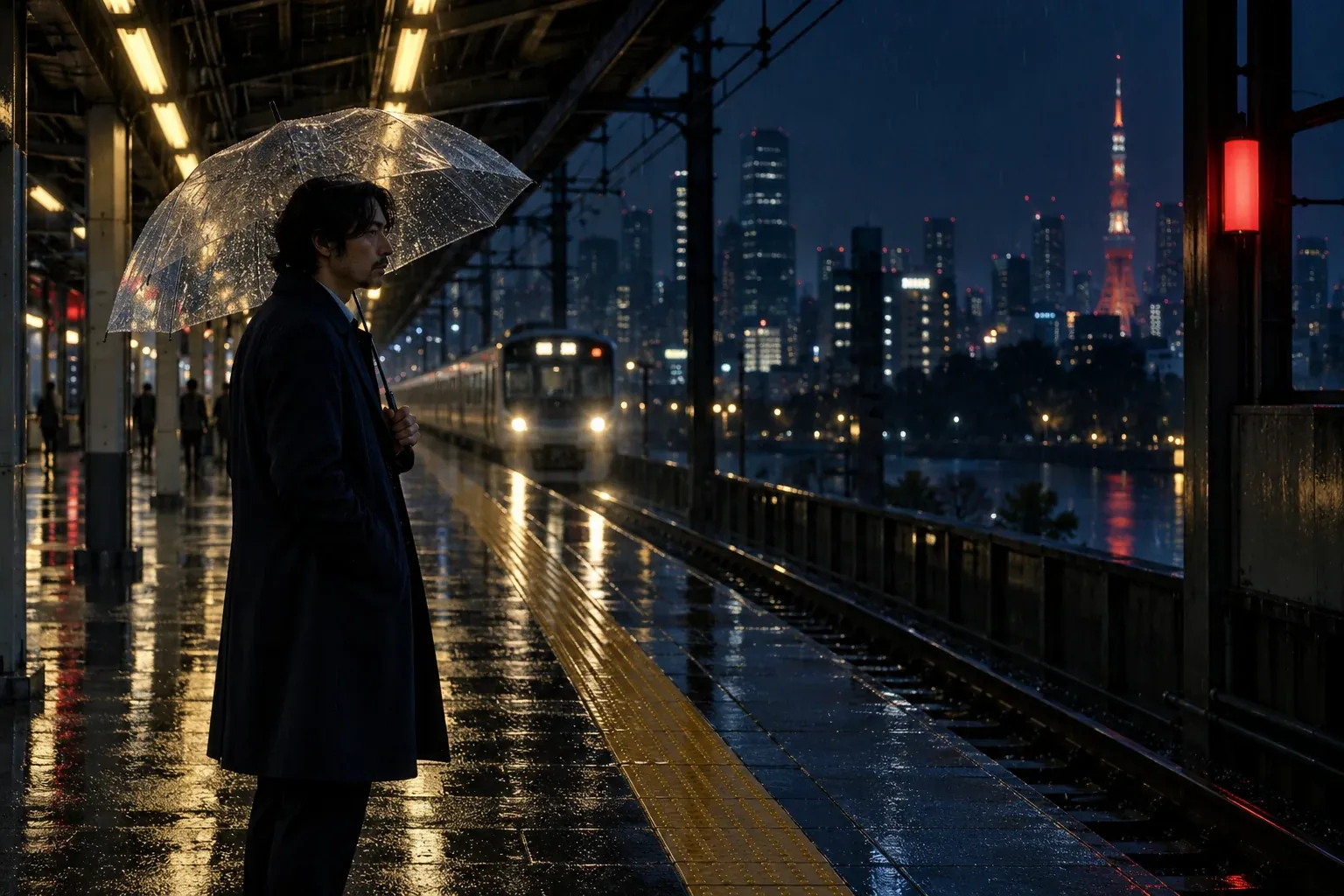
Rainy station
Free AI Image Generator

Forest stream
Free AI Image Generator

Studio dancer
Free AI Image Generator

Menu design
Free AI Image Generator
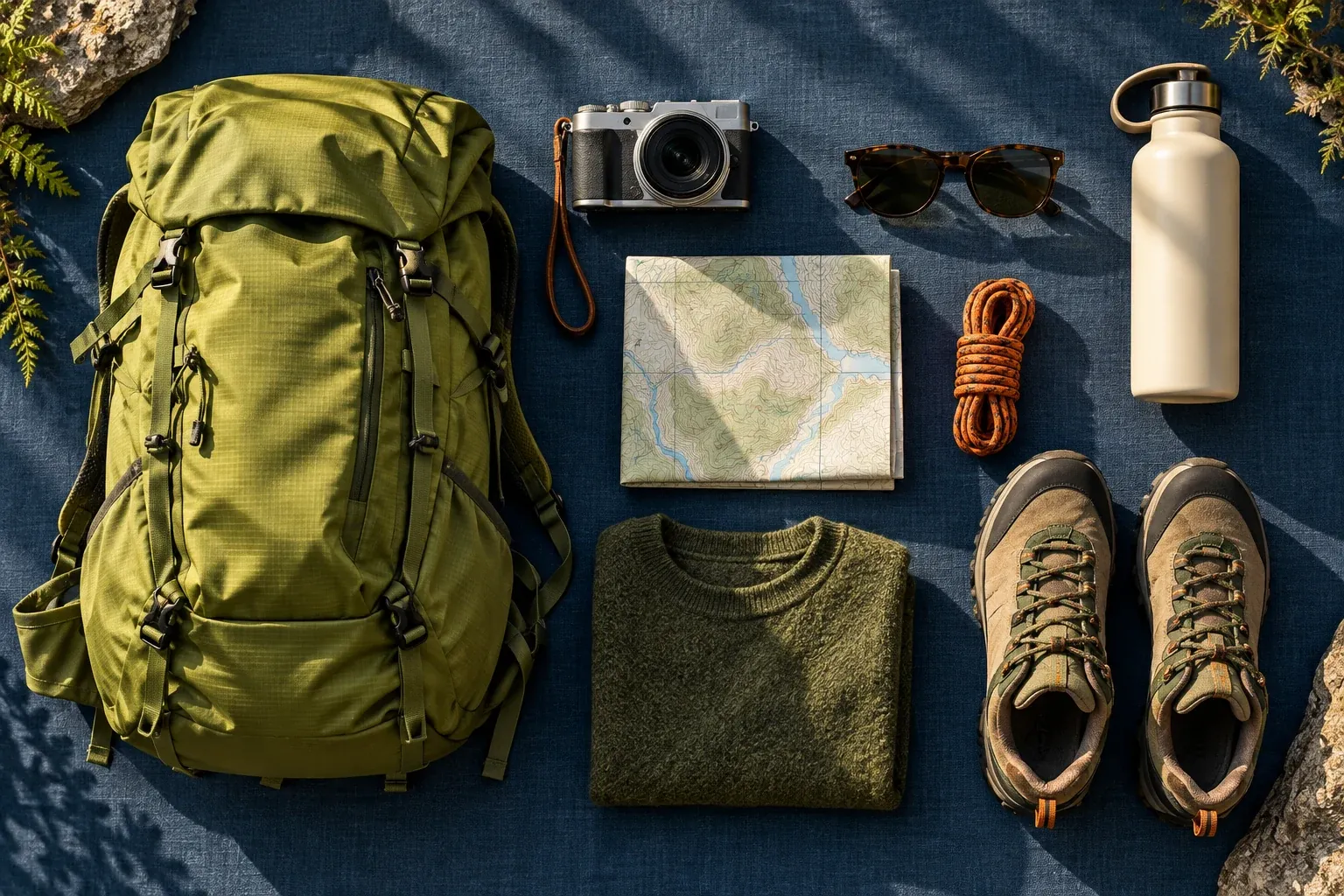
Travel essentials
Free AI Image Generator

Ceramic form
Free AI Image Generator
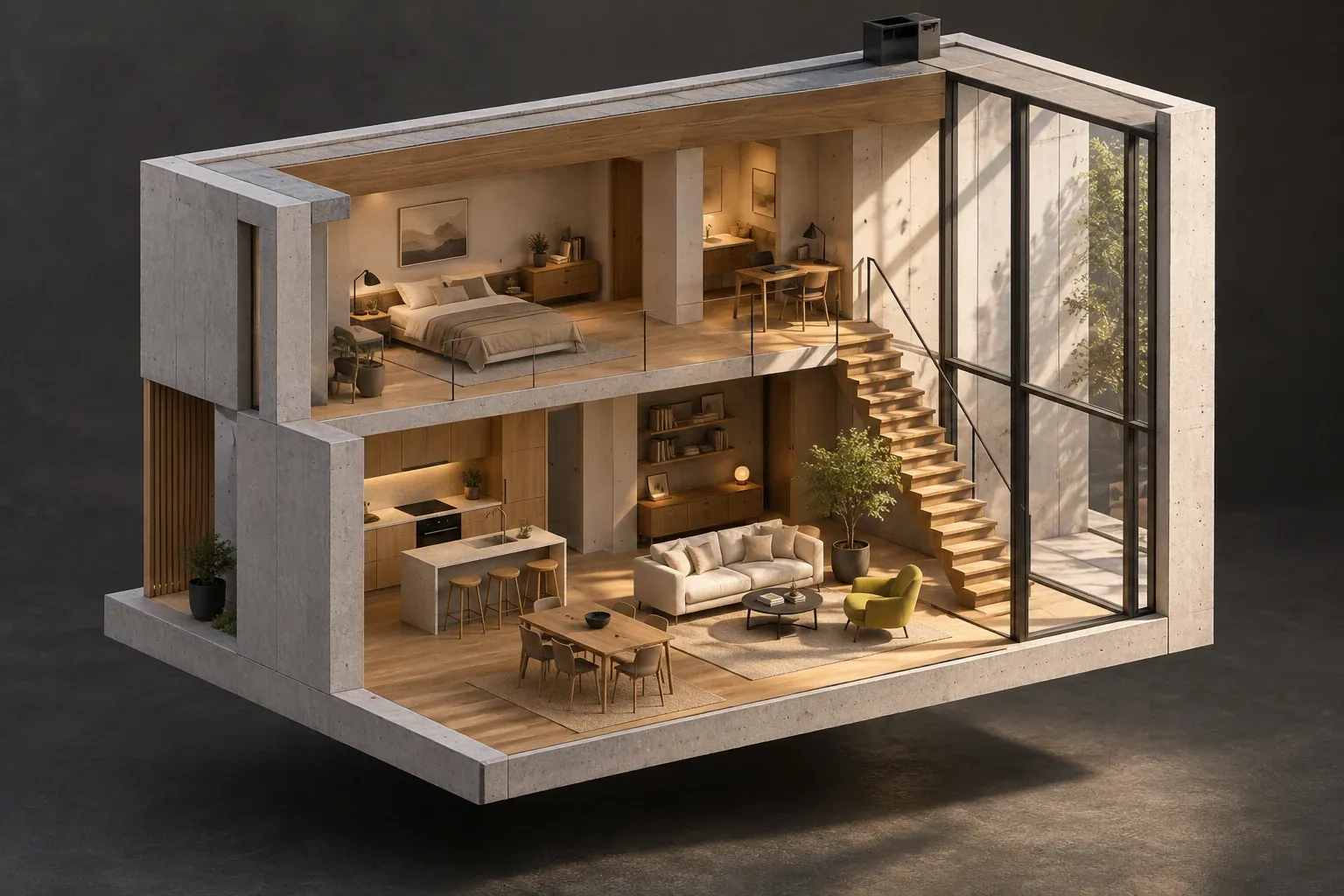
Architecture cutaway
Free AI Image Generator
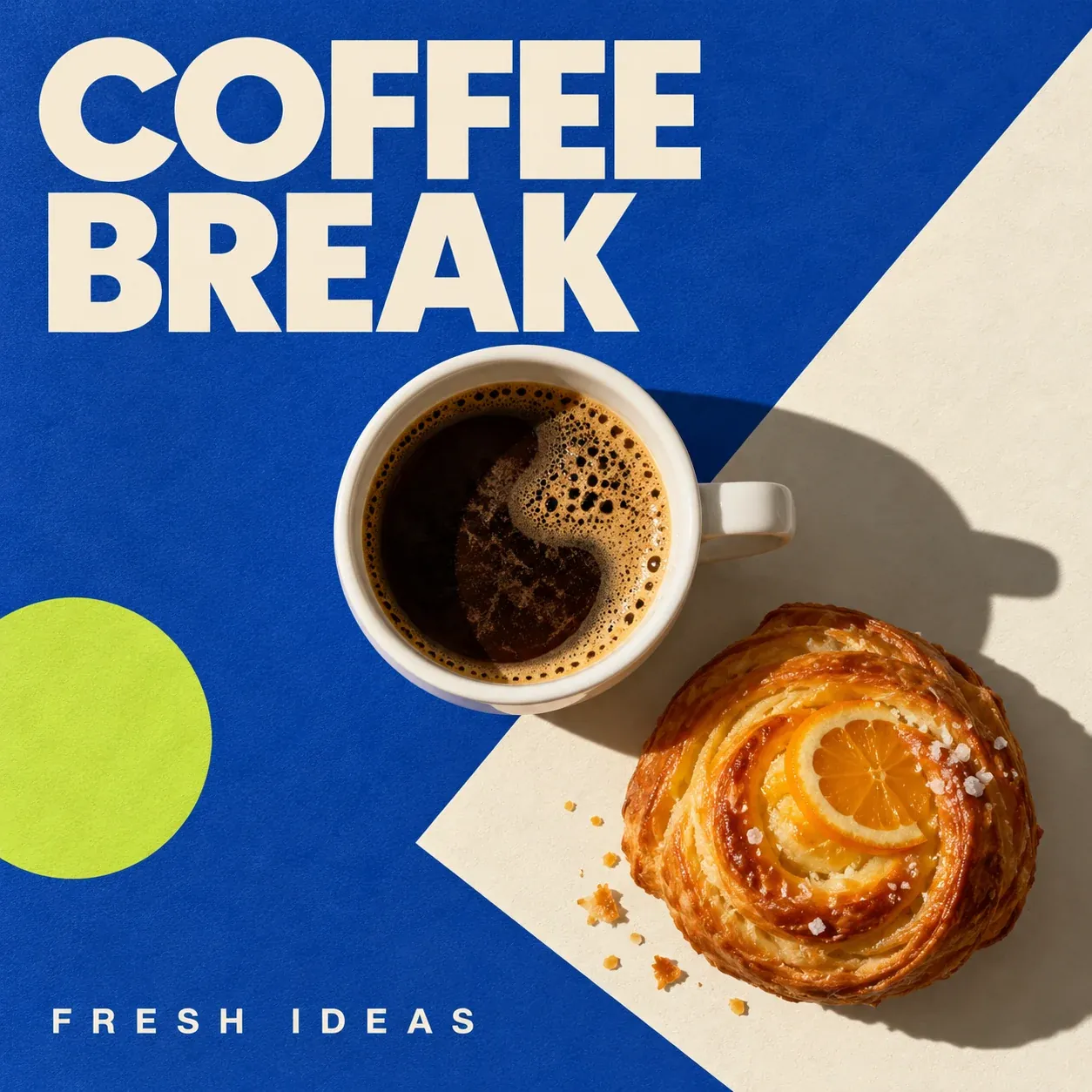
Coffee poster
Free AI Image Generator
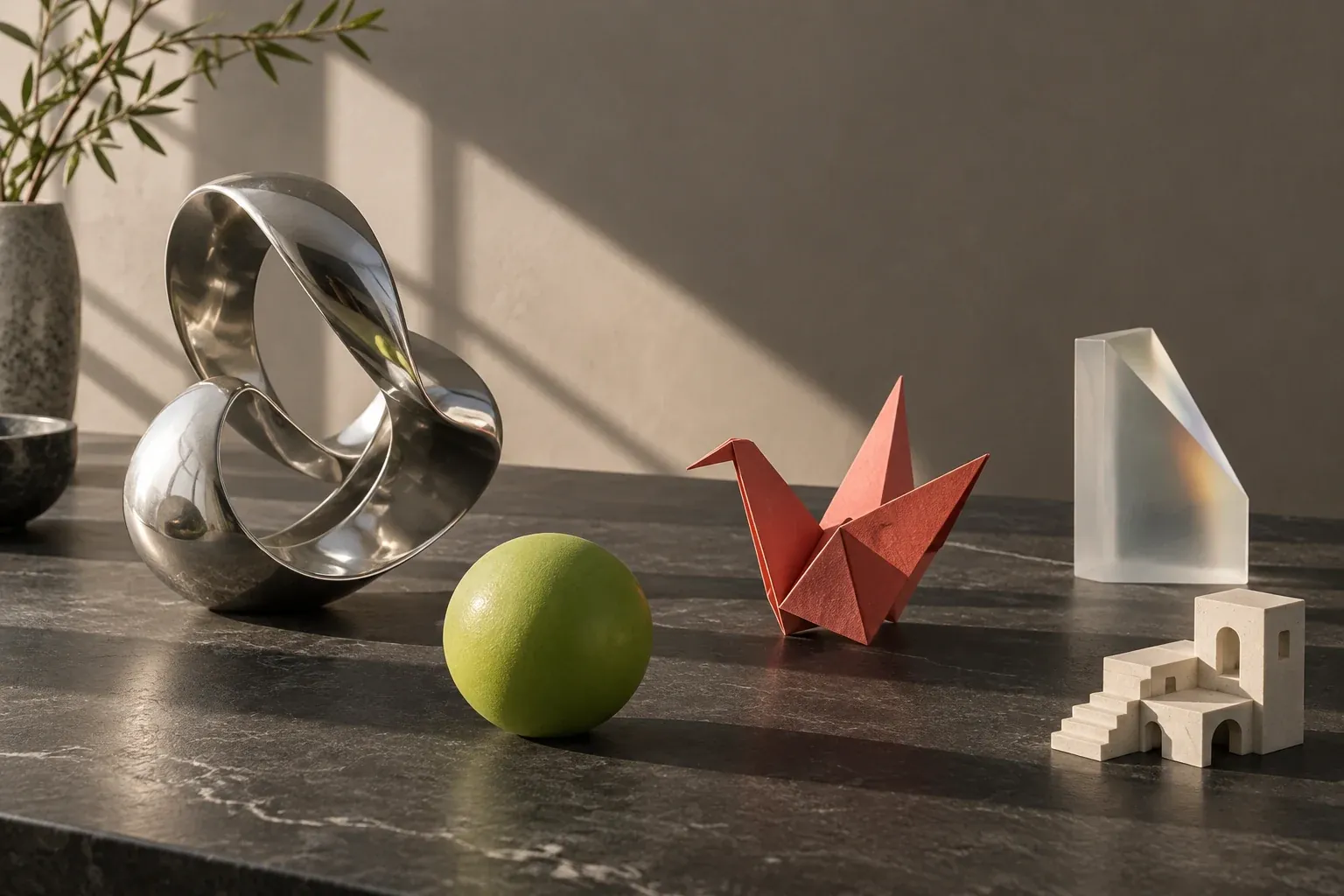
Creative studio
Free AI Image Generator

Portrait study
Free AI Image Generator

Creative inspiration
Free AI Image Generator
Three image briefs worth making specific
A Free AI Image Generator is easier to direct when the finished image has a purpose. The workspace lets you match a still-image workflow to the brief, then inspect the details that matter to your audience.
A product image with room for the message
Decide how the product should feel before naming a style. A ceramic bottle with warm sidelight suggests a different campaign from glossy chrome under a hard studio beam. In the Free AI Image Generator, ask for negative space where the headline will sit, then review edges, material texture, and scale.
Start from a useful prompt
A matte ceramic fragrance bottle on a warm stone ledge, soft window sidelight, quiet cream background, three-quarter view, generous empty space on the left for a campaign headline, realistic material texture.
A reference edit that preserves the useful parts
Choose what should remain recognizable: the object shape, the room layout, or the person’s pose. State the change separately, such as a new background or warmer light. Use a compatible reference-editing mode and compare the retained details at full size; adding more instructions is not always the best correction.
Start from a useful prompt
Keep the main object’s shape and position. Change the background to a sunlit editorial studio with pale stone surfaces and soft shadows. Preserve recognizable details and leave clear space around the subject.
A poster that works at reading size
Treat text as part of the composition. Limit the copy, define the hierarchy, and make the headline readable in the actual output format. The Free AI Image Generator can help explore a layout; inspect spelling and spacing before you use the finished poster.
Start from a useful prompt
A modern coffee event poster with the exact headline “COFFEE MORNING”, one sculptural cup, generous margins, a clear headline hierarchy, restrained cream and charcoal palette, vertical composition.
Make an image brief you can refine
The Free AI Image Generator is useful for product imagery, visual concepts, and reference-guided edits. Choose the subject and output format first. A precise brief makes it easier to compare results and decide what to change in the next version.
01
Build a clear composition
Name the main subject, its material, the environment, and the light. For a campaign image, describe where you need empty space rather than asking for several competing focal points. Match the ratio to a website header, square post, or portrait placement before you generate.
02
Edit with a purpose
Upload references when the selected model supports editing. State which subject, layout, or lighting should stay consistent, then describe the specific change. Keep product proportions and important identity details explicit; review small text and edges in the completed image.
03
Compare useful variations
Keep a stable subject and change one direction, such as camera angle, background, or lighting. This gives you a useful set of alternatives rather than unrelated images. Open each completed result from history, inspect it at full size, and use the available download action.
Free AI Image Generator settings for your finished format
Image model, resolution, input mode, and quantity can change the credit estimate. New accounts receive signup gift credits under the active reward rules. Check that the selected settings fit your balance before generating; a free trial does not make every image model or configuration unlimited. Before using an image, check it in the placement where it will appear. A composition that works at full size may need a different crop for a small mobile banner, and a headline needs space at its final reading size. Keep that delivery requirement in the next brief. The Free AI Image Generator lets you compare supported formats and models, while the selected quantity and mode remain part of the live estimate.
Choose settings for the destination
- Compose for the crop
- A square product tile, a portrait poster, and a landscape banner need different subject placement. Set the ratio early in the Free AI Image Generator. If you need several crops, test whether each composition leaves useful space instead of expecting one crop to solve every format.
- Separate exploration from delivery
- Use an initial version to judge composition and light, then increase output detail when the direction is settled. When batching is available, keep the brief stable enough to compare the results. Check the current cost before starting another set.
Improve the instruction you can evaluate
Starting brief
A beautiful product image.
A more useful instruction
A matte ceramic bottle, warm side lighting, three-quarter view, cream background, empty space on the left.
What changed
The revised brief names material, light, camera position, and layout. Change one of those decisions at a time in the Free AI Image Generator, so the next version answers a clear question.
Free signup credits for the Free AI Image Generator
Questions before you create