
AI image and video models
Find your next way to create. Compare image and video models.

 Grok Imagine 1.5
Grok · Video
Create scenes from text or a starting image. Compare Imagine and Classic workflows by their available duration and output settings.
Free AI Video Generator
 Seedance 2.0 Mini
ByteDance · Video
Build scenes from a prompt and supported image, video or audio references. Compare Full, Fast, Mini and Classic options before generating.
Free AI Video Generator
Seedance 2.0
ByteDance · Video
Build scenes from a prompt and supported image, video or audio references. Compare Full, Fast, Mini and Classic options before generating.
Free AI Video Generator

Seedance 2.0 Fast
ByteDance · Video
Build scenes from a prompt and supported image, video or audio references. Compare Full, Fast, Mini and Classic options before generating.
Free AI Video Generator

Seedance 2.5
ByteDance · Video
Build scenes from a prompt and supported image, video or audio references. Compare Full, Fast, Mini and Classic options before generating.
Free AI Video Generator
 Veo 3 Lite
Google · Video
Create a cinematic shot from text or supported frames. Choose Lite, Fast or the standard workflow and inspect its audio and quality controls.
Free AI Video Generator
Veo 3 Fast
Google · Video
Create a cinematic shot from text or supported frames. Choose Lite, Fast or the standard workflow and inspect its audio and quality controls.
Free AI Video Generator

Veo 3
Google · Video
Create a cinematic shot from text or supported frames. Choose Lite, Fast or the standard workflow and inspect its audio and quality controls.
Free AI Video Generator
 Kling 3.0
Kling AI · Video
Create a focused shot, guide motion with references, or plan multiple shots. Select the standard, 4K, Motion Control or Multi-Shot workflow for the controls you need.
Free AI Video Generator

Seedance 2.0 Mini · Classic
ByteDance · Video
Build scenes from a prompt and supported image, video or audio references. Compare Full, Fast, Mini and Classic options before generating.
Free AI Video Generator

Grok Imagine · Classic
Grok · Video
Create scenes from text or a starting image. Compare Imagine and Classic workflows by their available duration and output settings.
Free AI Video Generator
Kling 3.0 · 4K
Kling AI · Video
Create a focused shot, guide motion with references, or plan multiple shots. Select the standard, 4K, Motion Control or Multi-Shot workflow for the controls you need.
Free AI Video Generator
Gemini Omni Video
Google · Video
Combine a prompt with supported visual and audio references. Gemini Omni and Muse Video offer distinct layouts for organizing a scene.
Free AI Video Generator

Kling 2.6 · Motion Control
Kling AI · Video
Create a focused shot, guide motion with references, or plan multiple shots. Select the standard, 4K, Motion Control or Multi-Shot workflow for the controls you need.
Free AI Video Generator

Kling 2.6 · Motion Control Classic
Kling AI · Video
Create a focused shot, guide motion with references, or plan multiple shots. Select the standard, 4K, Motion Control or Multi-Shot workflow for the controls you need.
Free AI Video Generator

Seedance 1.5 Pro
ByteDance · Video
Build scenes from a prompt and supported image, video or audio references. Compare Full, Fast, Mini and Classic options before generating.
Free AI Video Generator

Kling 3.0 · Multi-Shot
Kling AI · Video
Create a focused shot, guide motion with references, or plan multiple shots. Select the standard, 4K, Motion Control or Multi-Shot workflow for the controls you need.
Free AI Video Generator

Gemini Omni · Muse Video
Google · Video
Combine a prompt with supported visual and audio references. Gemini Omni and Muse Video offer distinct layouts for organizing a scene.
Free AI Video Generator

Seedream 4
ByteDance · Image
Create posters, layouts and reference edits. Compare Seedream 4 and Seedream 5.0 Pro using the same brief and review the available image settings.
Free AI Image Generator
Nano Banana Pro
Google · Image
Create a detailed image or guide an edit with references. Nano Banana Pro and Muse Image use the supported image controls for each workflow.
Free AI Image Generator
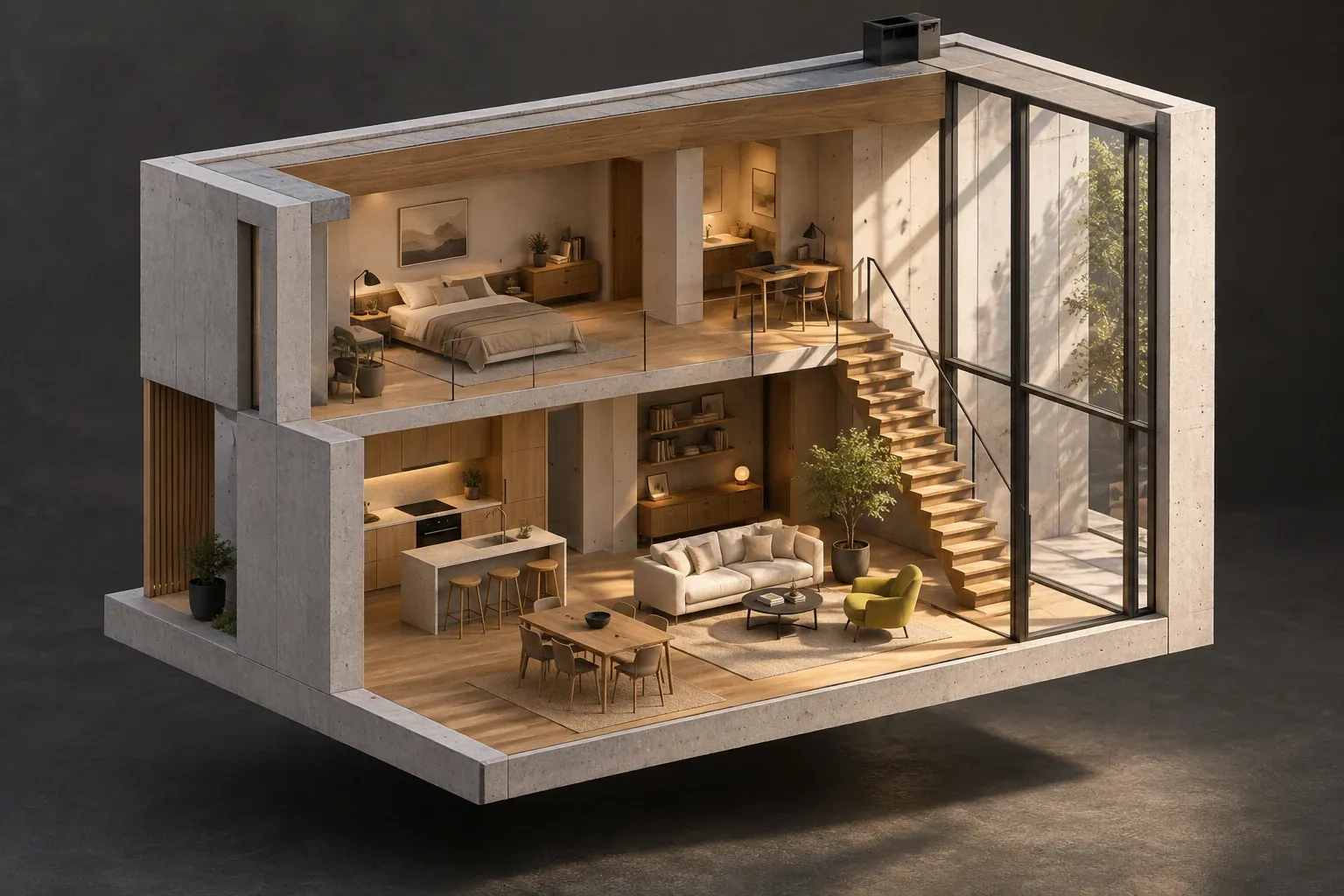
Seedream 5.0 Pro
ByteDance · Image
Create posters, layouts and reference edits. Compare Seedream 4 and Seedream 5.0 Pro using the same brief and review the available image settings.
Free AI Image Generator

 GPT Image 2
OpenAI · Image
Create images and reference edits with GPT Image 2, Flare or Sunburst. Compare composition, text rendering and the available output controls.
Free AI Image Generator

GPT Image 2.5 Flare
OpenAI · Image
Create images and reference edits with GPT Image 2, Flare or Sunburst. Compare composition, text rendering and the available output controls.
Free AI Image Generator

GPT Image 2.5 Sunburst
OpenAI · Image
Create images and reference edits with GPT Image 2, Flare or Sunburst. Compare composition, text rendering and the available output controls.
Free AI Image Generator

Nano Banana Pro · Muse Image
Google · Image
Create a detailed image or guide an edit with references. Nano Banana Pro and Muse Image use the supported image controls for each workflow.
Free AI Image Generator
More models and advanced workflows are available inside the image and video tools. Generation settings and costs appear beside the active controls.
Choose the workflow before the model
For an original still, compare the Free AI Image Generator models by composition, reference editing, and output settings. Seedream 5 Pro and Nano Banana Pro each have their own input limits, so decide whether you need a new image or a targeted edit before uploading.
For a moving scene, compare Seedance, Kling, Grok, and Veo by text, frame, or reference inputs. Keep the same short brief when testing a different model so you can judge the motion and framing clearly. The workspace shows the available duration, quality, and credit estimate inside the Free AI Video Generator. More specialized workflows remain in the tool selector.
Your source material is a useful selection test. If you only have a written concept, begin with text generation. If you have a composition that should remain recognizable, compare the reference-editing or frame-based modes. A set of related product images needs a different workflow from an unrelated collection of mood references. The workspace keeps the accepted inputs and limits beside the active controls, so check the selected mode before preparing files. For still images, review Seedream 5 Pro and Nano Banana Pro; for moving scenes, explore the supported Seedance, Kling, Grok, and Veo choices.
Compare models with a small, consistent brief rather than assuming that every model is interchangeable. Keep the subject, ratio, and intended use the same, then look for the result that gives you the framing or motion you need. Resolution, duration, references, and credit cost may differ. Open a model detail page to understand its workflow, or use the Free AI Image Generator and Free AI Video Generator to inspect the current settings. Registration gift credits are a starting balance for eligible new accounts, rather than a blanket free entitlement for every model.
Questions before you create