Free AI Video Generator
Create a video from text, frames, or references.
Write for what changes over time
The Free AI Video Generator needs a sequence, not just a mood. The workspace gives you text-led and supported reference-based choices; start by deciding what the viewer should see happen during one shot.
A product reveal with one controlled move
For an advertising clip, separate subject motion from camera motion. A bottle can remain still while the camera moves closer and a reflection crosses the glass. Use the Free AI Video Generator to define the opening view and the final emphasis, then check the transition rather than judging only the first frame.
Start from a useful prompt
One continuous close-up shot of an amber glass fragrance bottle. The camera moves slowly forward while a warm reflection travels across the glass. The bottle remains still, the label area stays clear, soft dark background, no cuts.

Amber in motion
Free AI Video Generator · 720p · 6s
A character moment that stays readable
Choose one gesture and give it enough screen space. A person turning toward a doorway is easier to assess than a crowded sequence of unrelated actions. Keep wardrobe and lighting consistent across the brief, and use only the reference inputs supported by the selected video mode.
Start from a useful prompt
One continuous medium shot of an adult in a mustard raincoat outside a small cafe. They turn toward the doorway and lift a takeaway cup once. Slow lateral camera movement, warm interior light, restrained natural motion, no cuts.

A landscape that opens up to the viewer
A travel scene needs a viewpoint. Describe the camera’s path through the environment and decide when the main feature becomes visible. In the Free AI Video Generator, review the complete movement for sudden jumps before extending the duration or changing resolution.
Start from a useful prompt
A slow continuous camera move through a misty forest toward a small stream. Ferns frame the opening view; the water becomes visible as the camera approaches. Soft morning light, restrained motion, one shot with no cuts.

Turn a scene into a practical video brief
The Free AI Video Generator combines text-led scenes and supported frame or reference workflows. Plan the subject’s action and the camera separately. A short, coherent shot is easier to review than a brief that asks for many events at once.
01
Describe one shot
State who or what appears, what changes during the shot, and how the camera observes it. A slow push toward a product, a side tracking shot, or a fixed camera with a moving subject each gives the scene a clear direction. Include the environment and light without contradicting the action.
02
Choose the right input
Start from text for a new scene, or use a supported starting frame to establish the composition. Reference-led models can use additional images, clips, or audio within their displayed limits. Motion control and multi-shot workflows have different requirements; choose them from the model selector when your brief needs them.
03
Review before extending
Choose a suitable duration and aspect ratio, then inspect the completed clip for subject consistency, camera motion, and the opening and ending frames. Refine the action before increasing the duration or quality. Keep successful clips in history and download the version you want to use.
Free AI Video Generator settings for the shot you need
Duration, quality, model, and input mode affect the video credit estimate. Eligible new accounts receive signup gift credits; some video configurations cost more than that balance. Compare the live estimate beside Generate, then choose supported settings that fit your project and available credits. Plan where the finished clip will be used before requesting a new version. A short portrait placement and a wide website scene need different framing and may not need the same duration. Listen to any generated audio and inspect the opening and ending at normal playback speed. In the Free AI Video Generator, confirm the chosen model and supported inputs after switching workflows, then compare the displayed estimate before submitting.
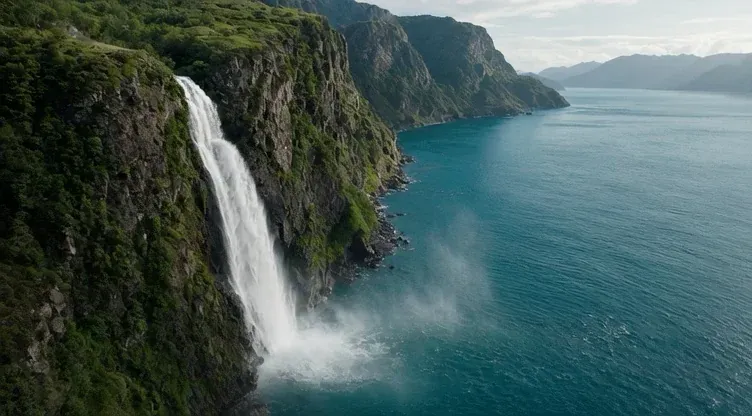
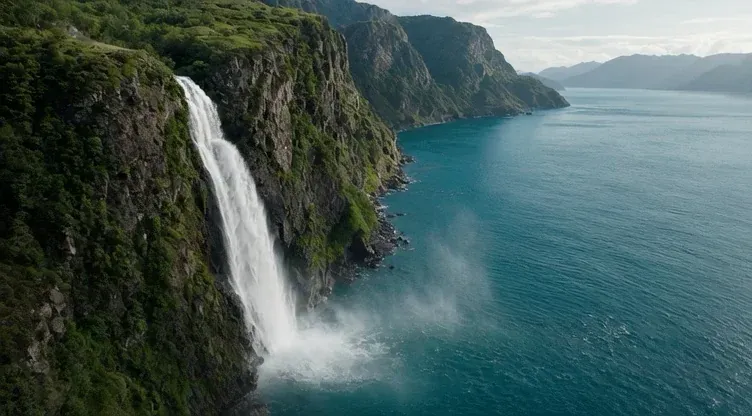
Wild water
Free AI Video Generator · 480p · 5s
Set the shot before you set the finish
- Give the action room
- A portrait shot suits a vertical character moment; a landscape frame leaves more room for a reveal or camera move. Choose the ratio and a suitable duration in the Free AI Video Generator before writing several actions into the same clip.
- Match references to their role
- A first frame defines an opening image, an end frame suggests a destination, and other reference modes may serve a different role. Check what the chosen model accepts. Keep unrelated reference files out of a brief whose continuity you want to evaluate.

Liquid form
Free AI Video Generator · 480p · 5s
Turn a scene description into a shot
Starting brief
A cinematic cafe video.
A more useful instruction
One continuous street-level shot: a person leaves a small cafe, pauses beside a bicycle, and looks down the rainy street as the camera tracks slowly right.
What changed
The revised prompt establishes a subject, a simple action, and a camera path. The Free AI Video Generator can now produce a shot you can review for continuity, pacing, and framing rather than a broad mood.
Free signup credits for the Free AI Video Generator
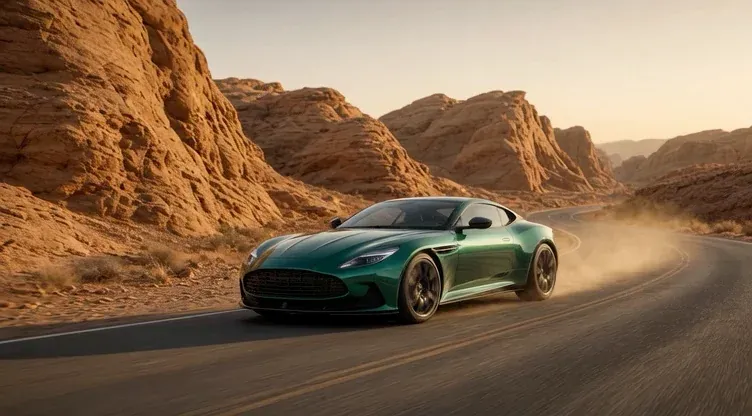
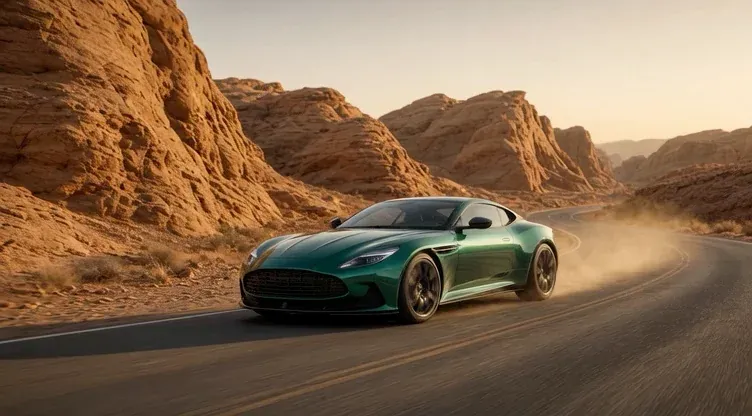
Across the dunes
Free AI Video Generator · 480p · 5s
Questions before you create
Wild water
Free AI Video Generator · 480p · 5s